
Get started with Ryujinx — the free, open-source Nintendo Switch emulator that lets you play your favorite Switch games right on your PC. It works on Windows, macOS, and Linux, and is built to be straightforward to set up even if you’re new to emulation.
First-time setup:
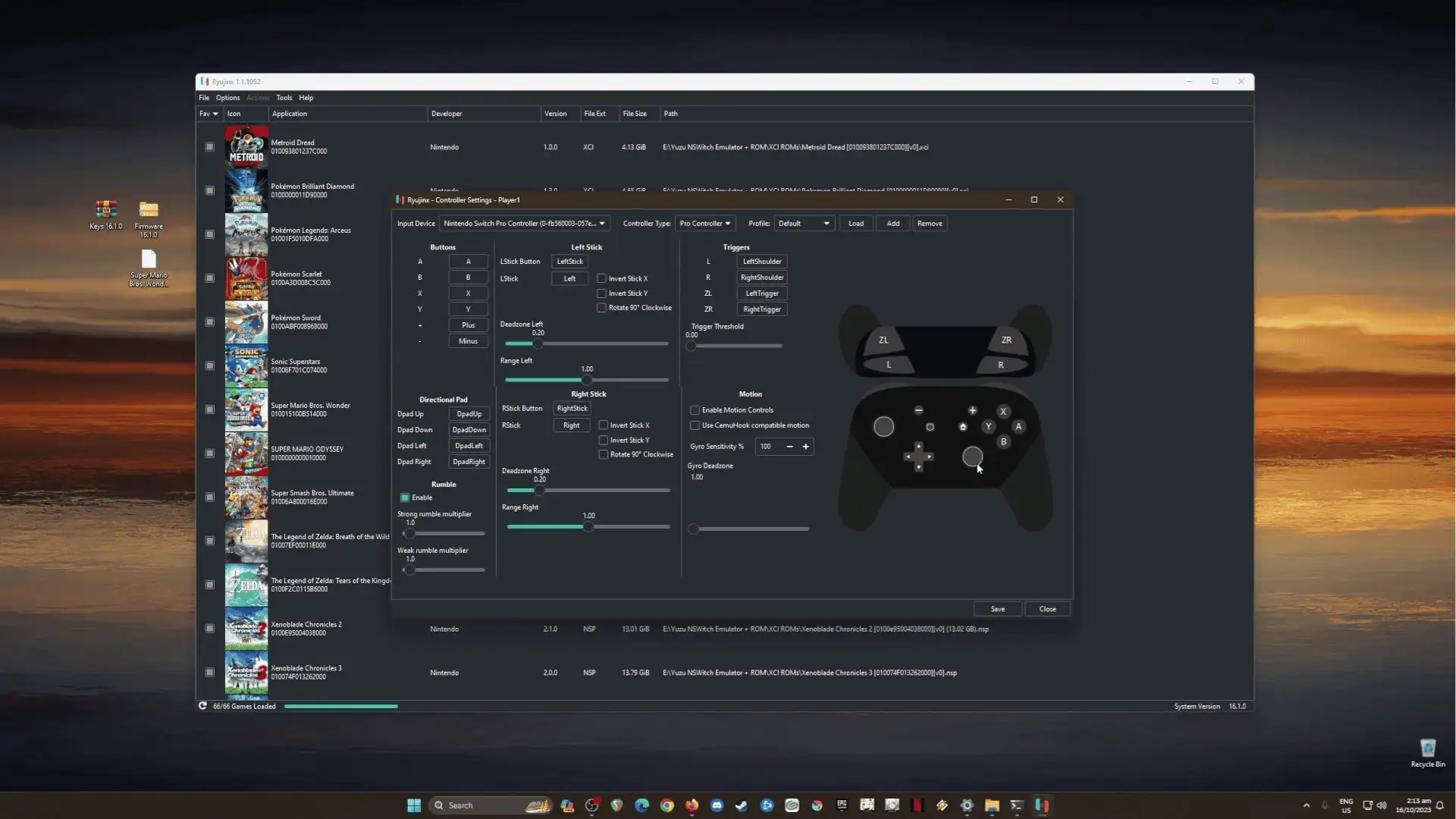
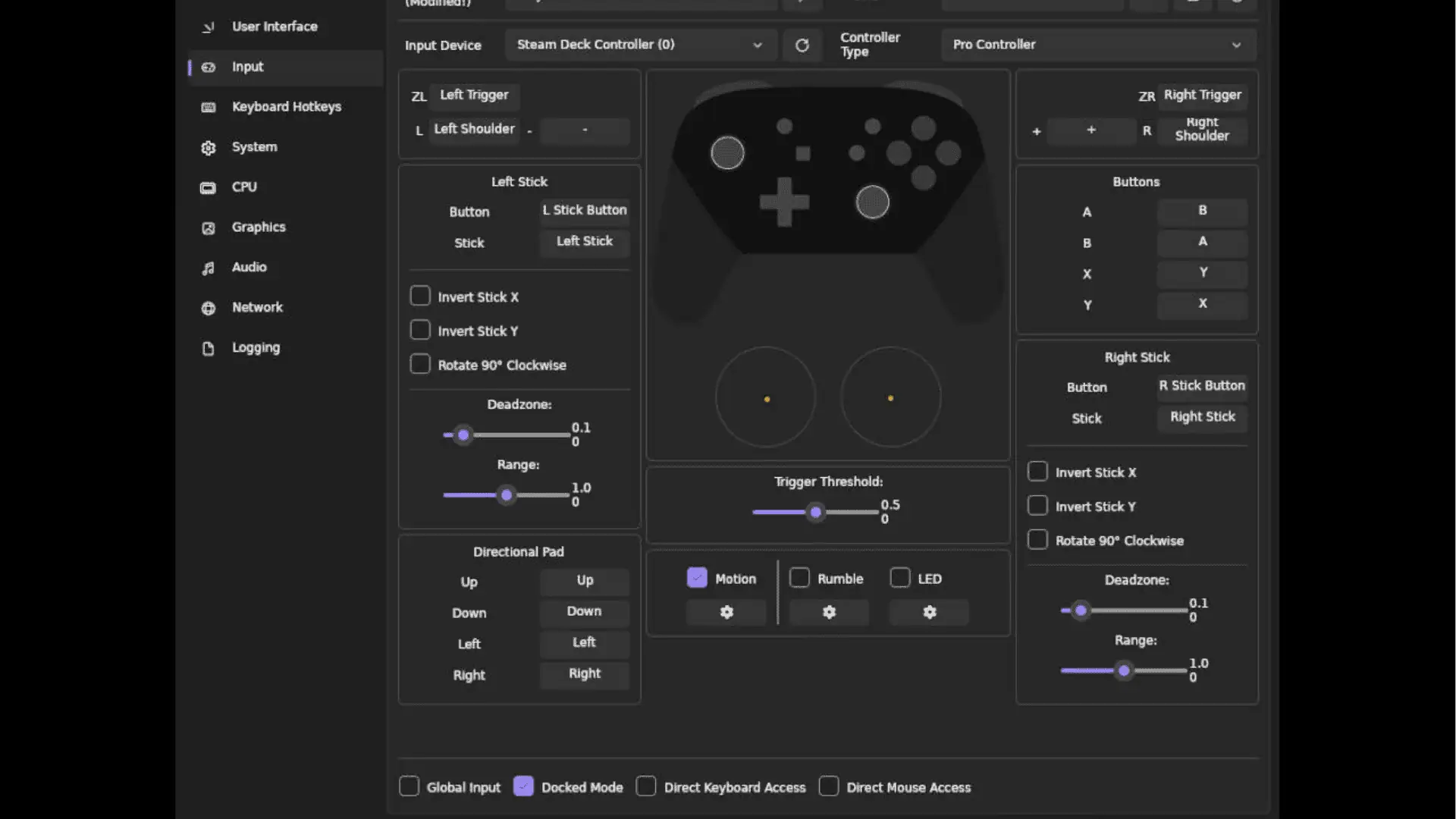
When you launch Ryujinx for the first time, a setup wizard walks you through everything — firmware, controllers, and graphics — step by step. Here’s what to expect:
- Firmware & Keys — Ryujinx needs firmware files from a real Nintendo Switch to run games. You’ll need to dump these from your own device. This keeps things legal and within proper usage boundaries.
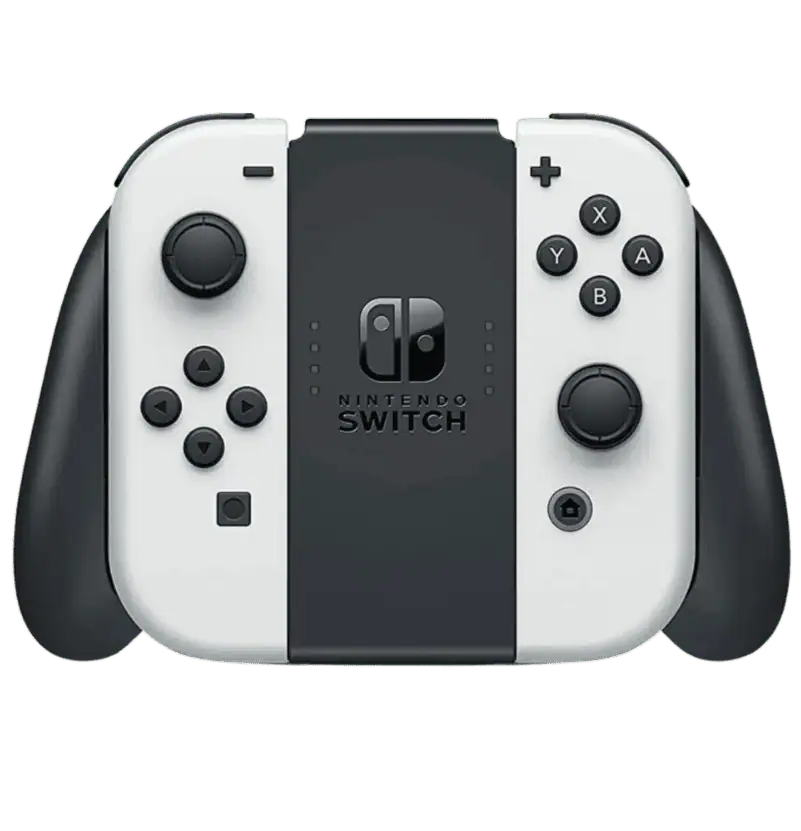
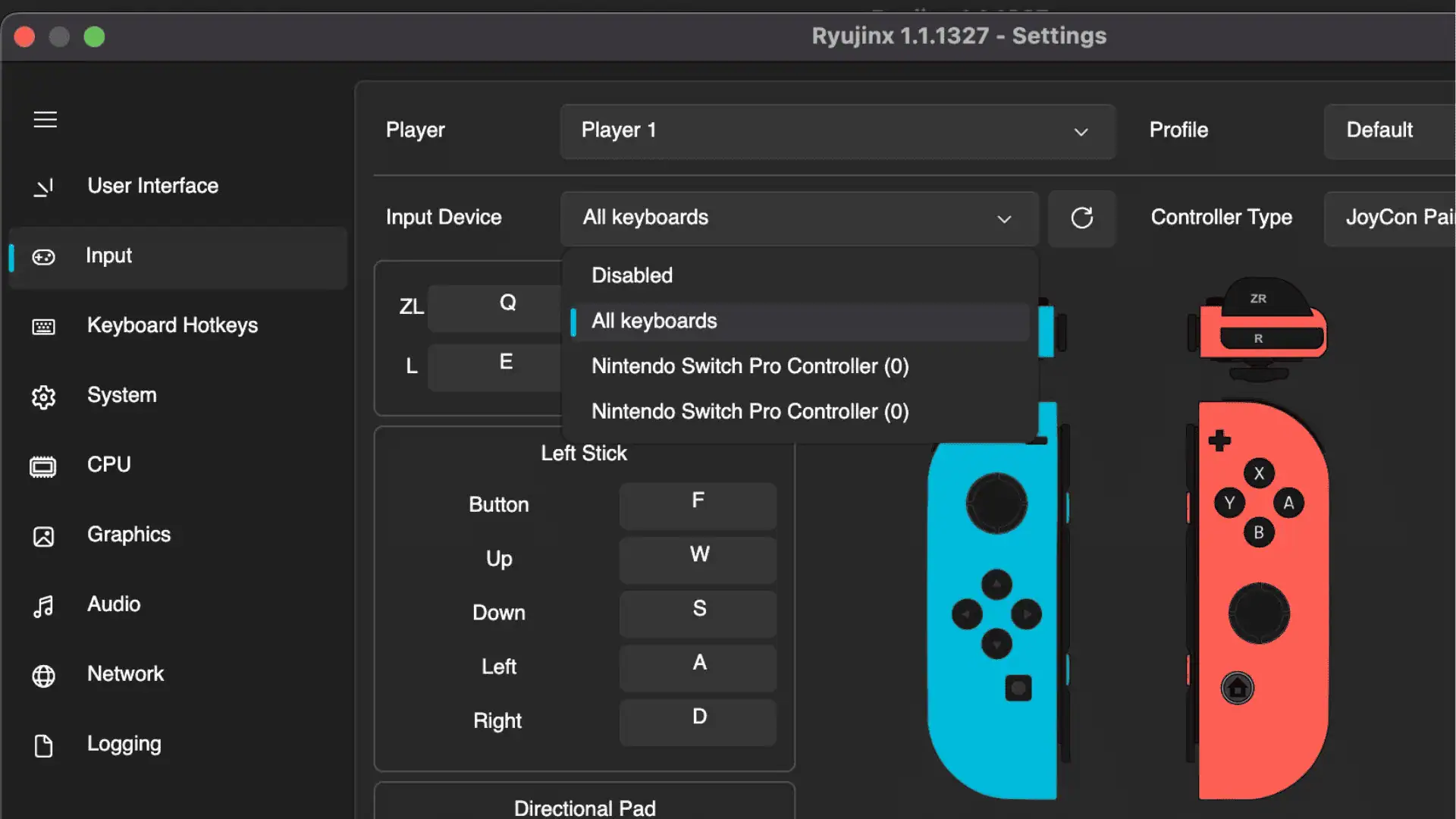
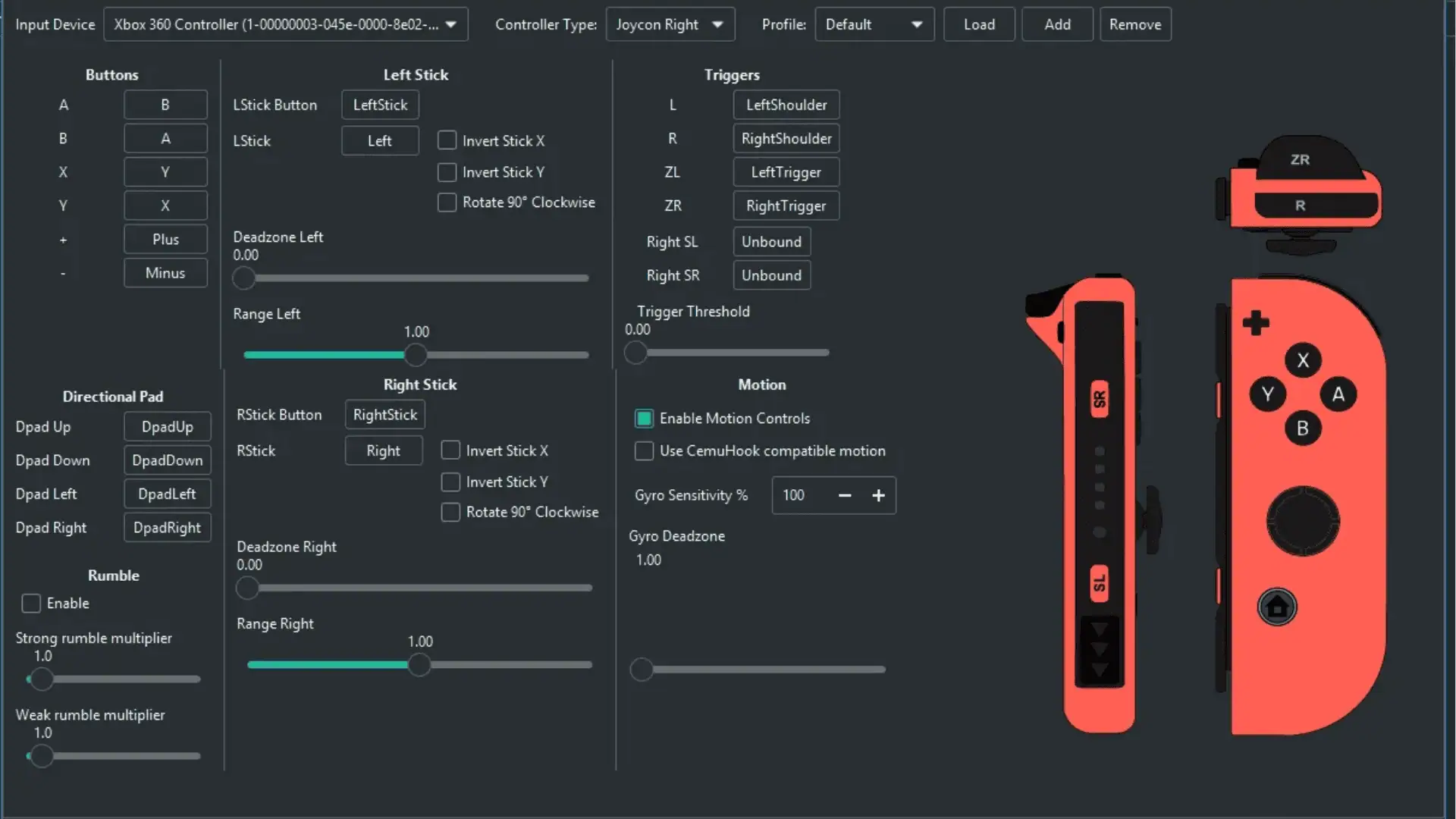
- Controller Setup — Plug in whatever you prefer: Joy-Cons, a standard gamepad, or just keyboard and mouse. Ryujinx detects and configures them easily.
- Graphics Settings — Tune resolution scaling, anti-aliasing, and anisotropic filtering to get the best performance out of your specific hardware.
System Requirements:
Before you install, make sure your PC meets at least the minimum specs below:
| Minimum | |
|---|---|
| OS | Windows, macOS, or Linux |
| RAM | 8 GB or more |
| GPU | OpenGL 4.5, Vulkan, or Metal compatible |
| CPU | Any 64-bit processor |